#From decks to one-off microsites
One benefit of AI that feels like a true liberation is that we can now move away from PowerPoint.
I have long been in search of an optimal solution that would allow me to focus on refining the content rather than polishing the slides layout. Manipulating blocks and arrows, changing font sizes and colors, can easily eat up more time than writing the content itself. That's why I like Markdown and Mermaid so much: you can just focus on your ideas, and let any renderer handle the formatting.
However, my quest for a perfect replacement for decks hasn't been successful so far. Notion now provides a basic Presentation mode for its pages; iA Presenter is made for minimalist presentations written in Markdown. Both lack sufficient control over the layout, at least for my needs. Some people simply give their whole talk from an Excalidraw board, but I still need some bullet points.
Now with AI, I just build a new microsite for every presentation.
Two strategies work well:
- Convert an existing deck into a site. The upside is that you create the content in a familiar interface, but without having to focus on the layout: you jot down your titles and bullet points, paste an illustration, or create a diagram. Then you ask Claude to export the whole thing as a dedicated site. It works really well and usually has a wow effect on clients (at least for now). It only takes minutes to convert a 70+ slides deck to a neat microsite, free of any mismatched fonts and misaligned boxes. What I particularly like is displaying a non-linear view of the table of contents, for example as a mind map.
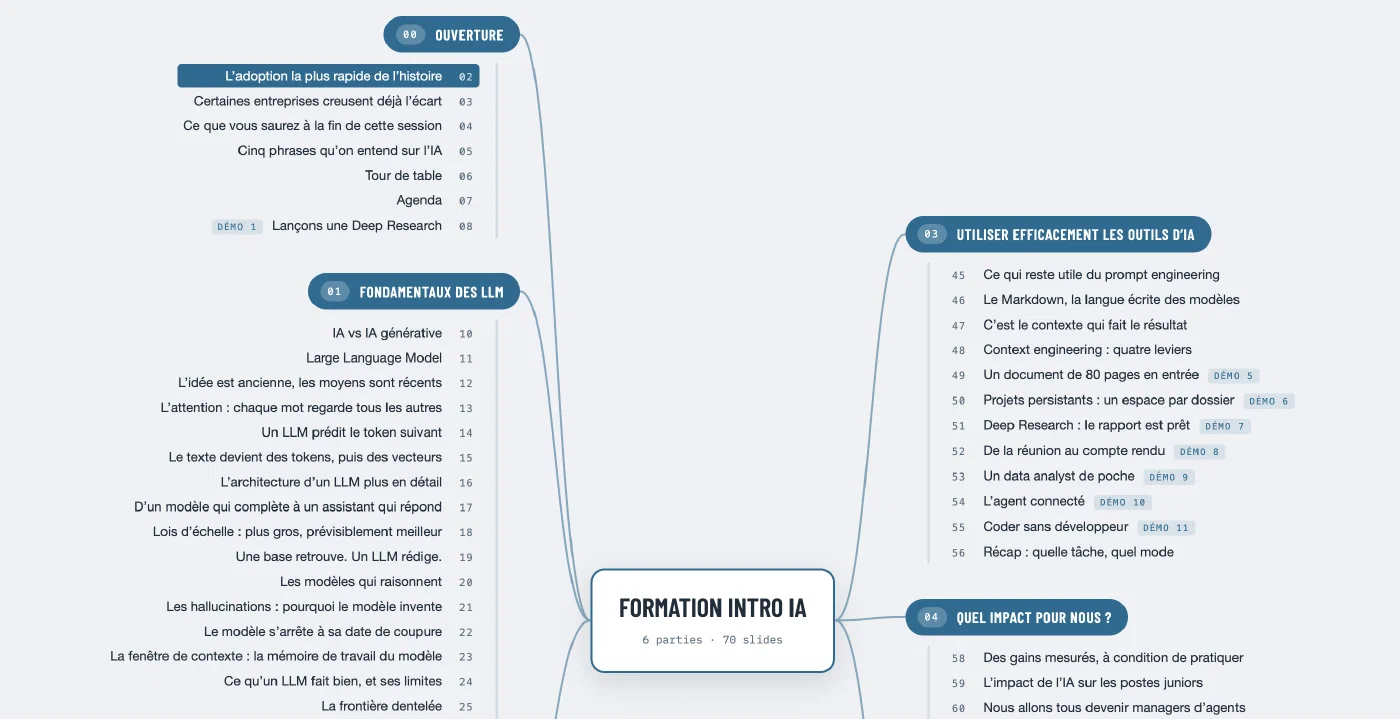
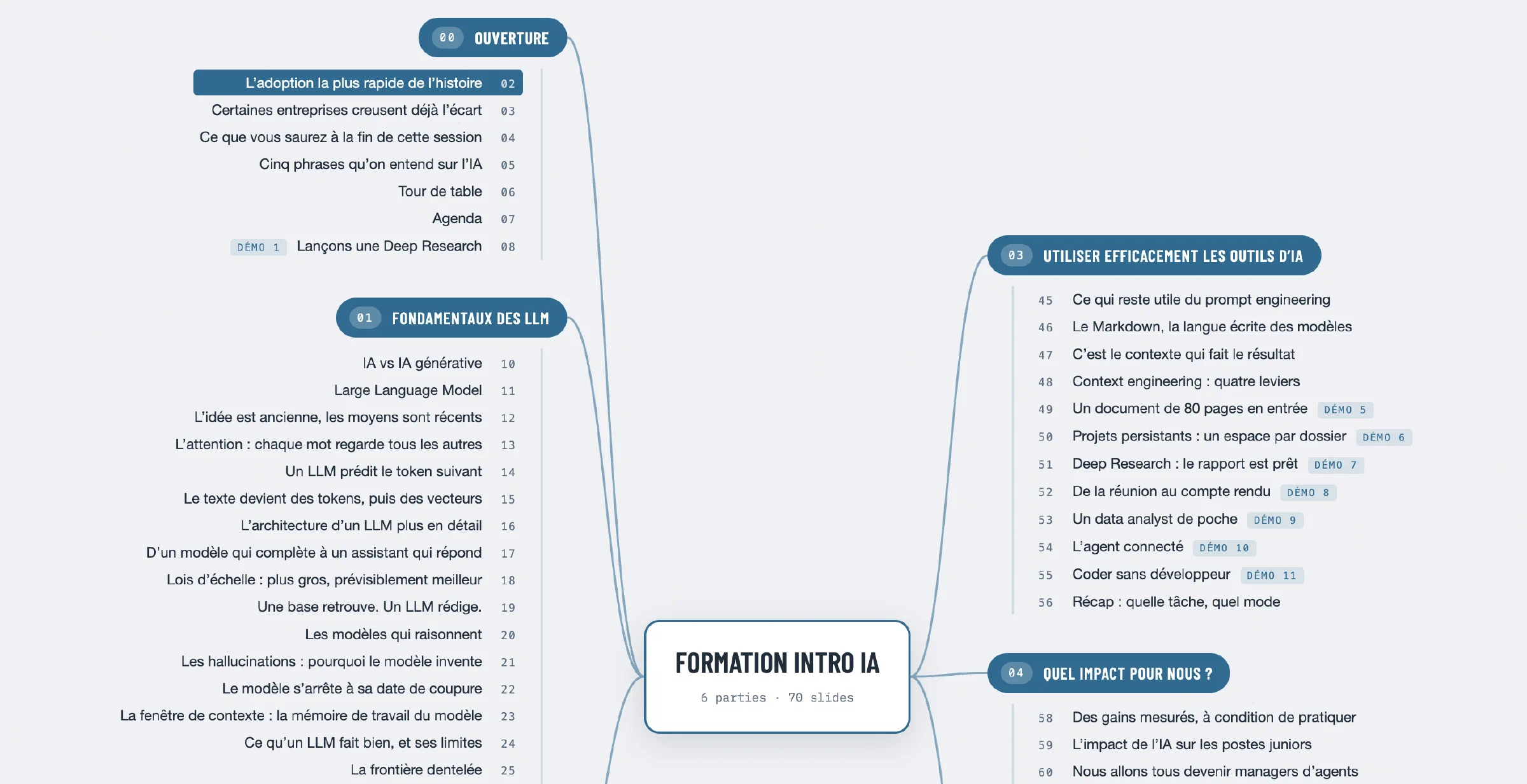
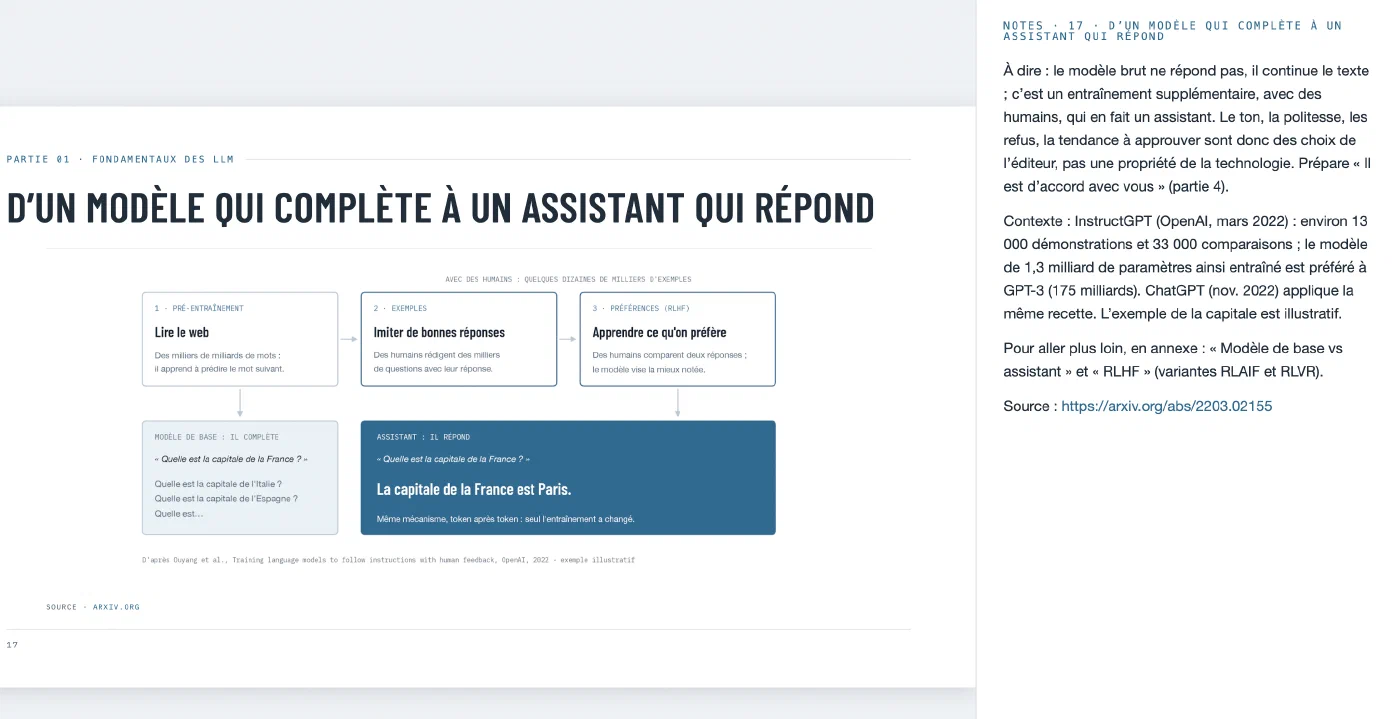
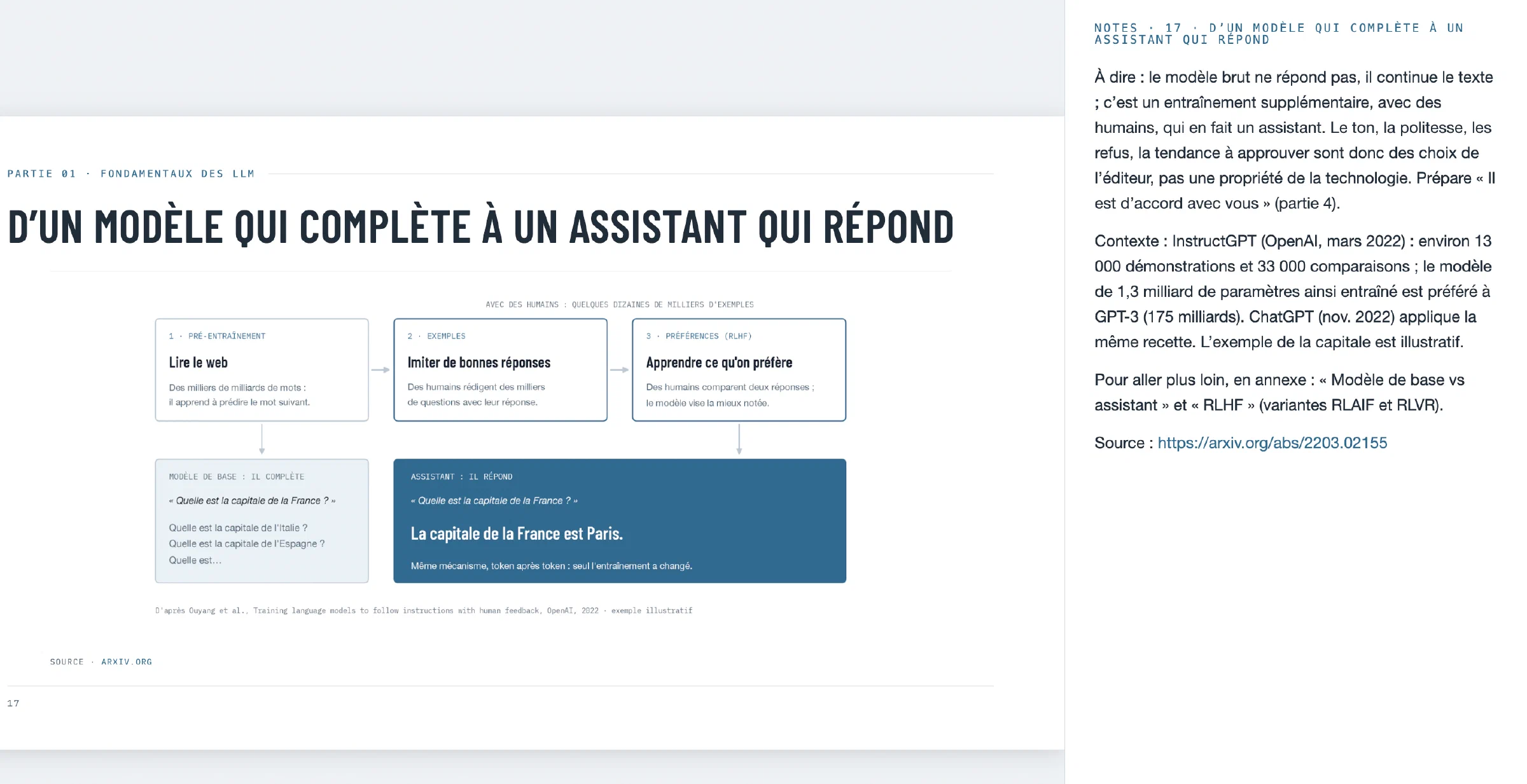
- Skip the slide-building step entirely. For substantial presentations, I start from a detailed text outline, with the ideas as slide titles, and the details in bullet points. For simpler cases, I just chat with Claude Code, explaining what I want to convey, page by page. Then it builds a microsite customised to the audience. As an exemple, here's a microsite for a third-grade class lesson about AI (in French).
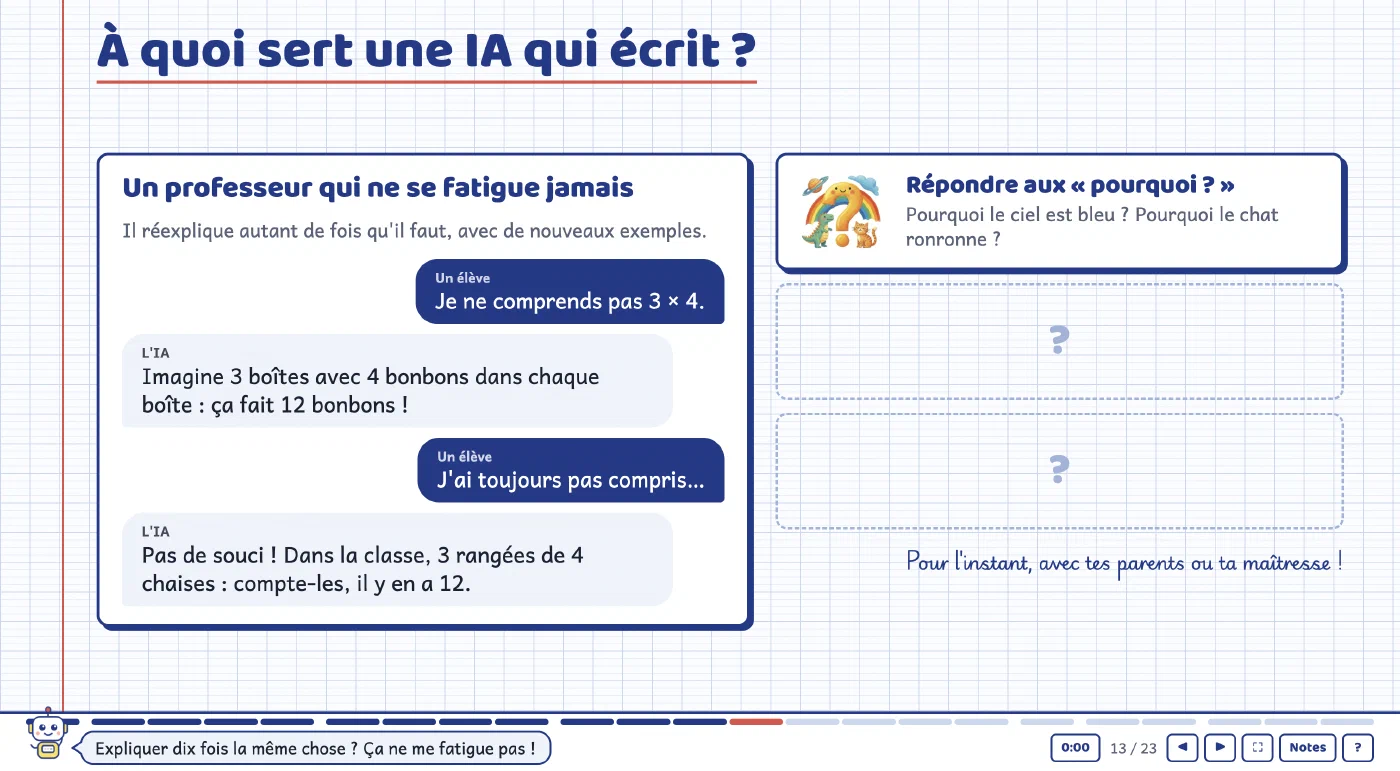
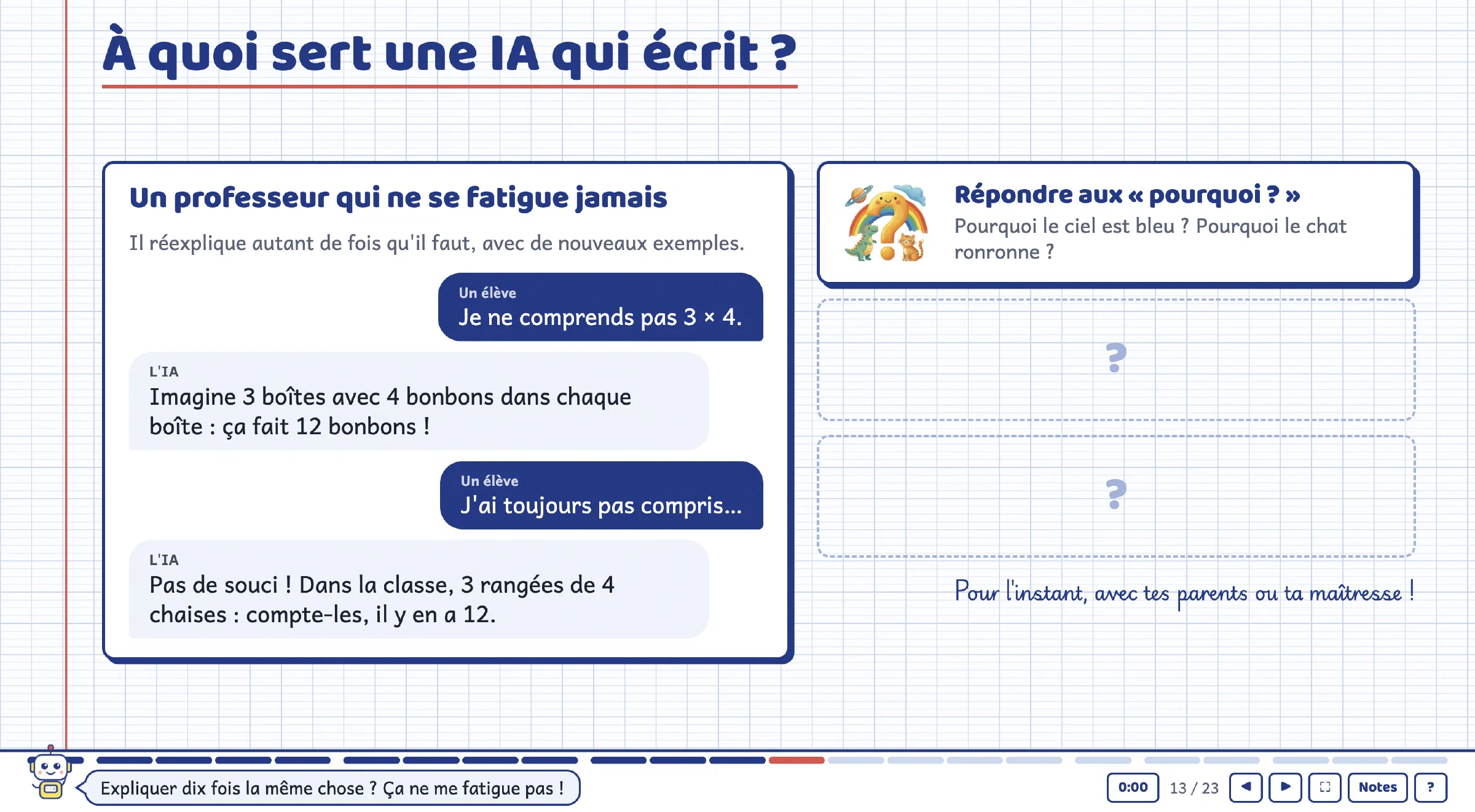
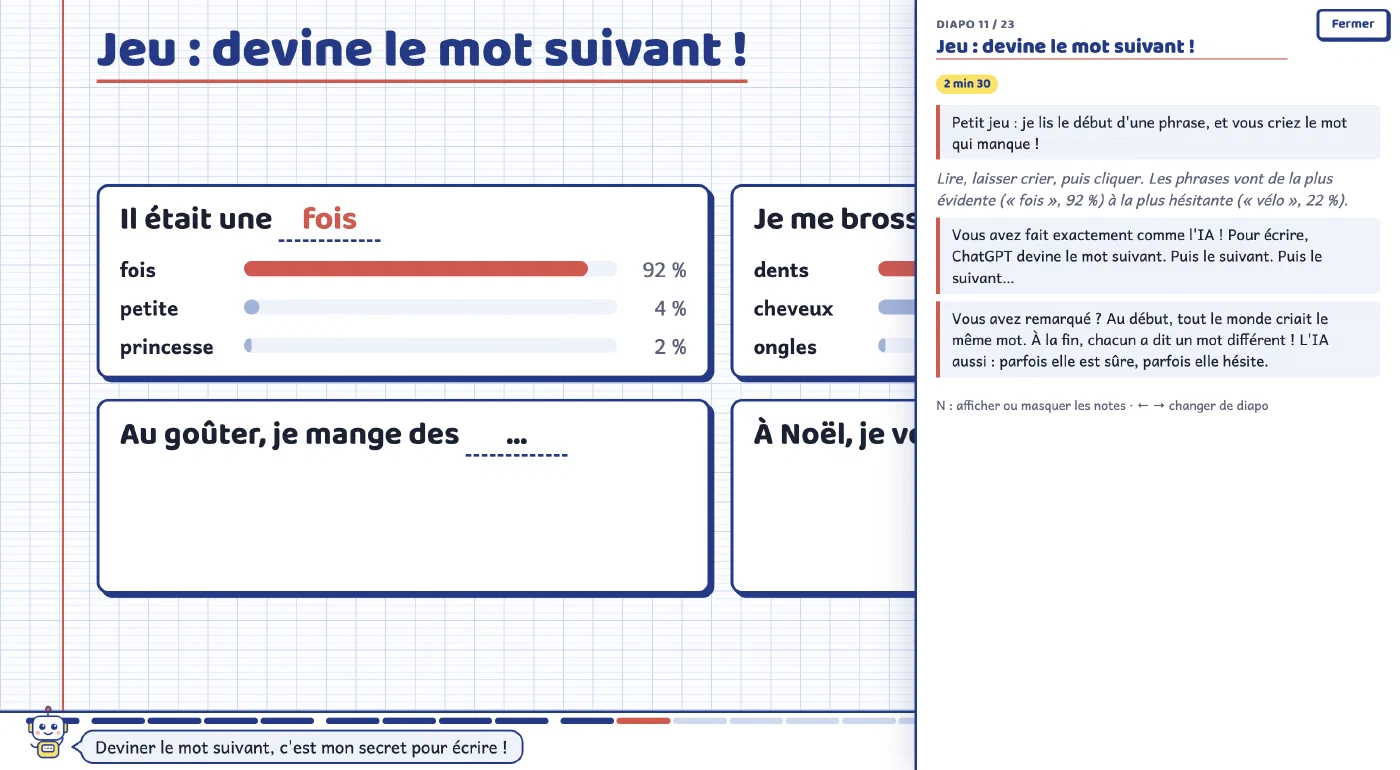
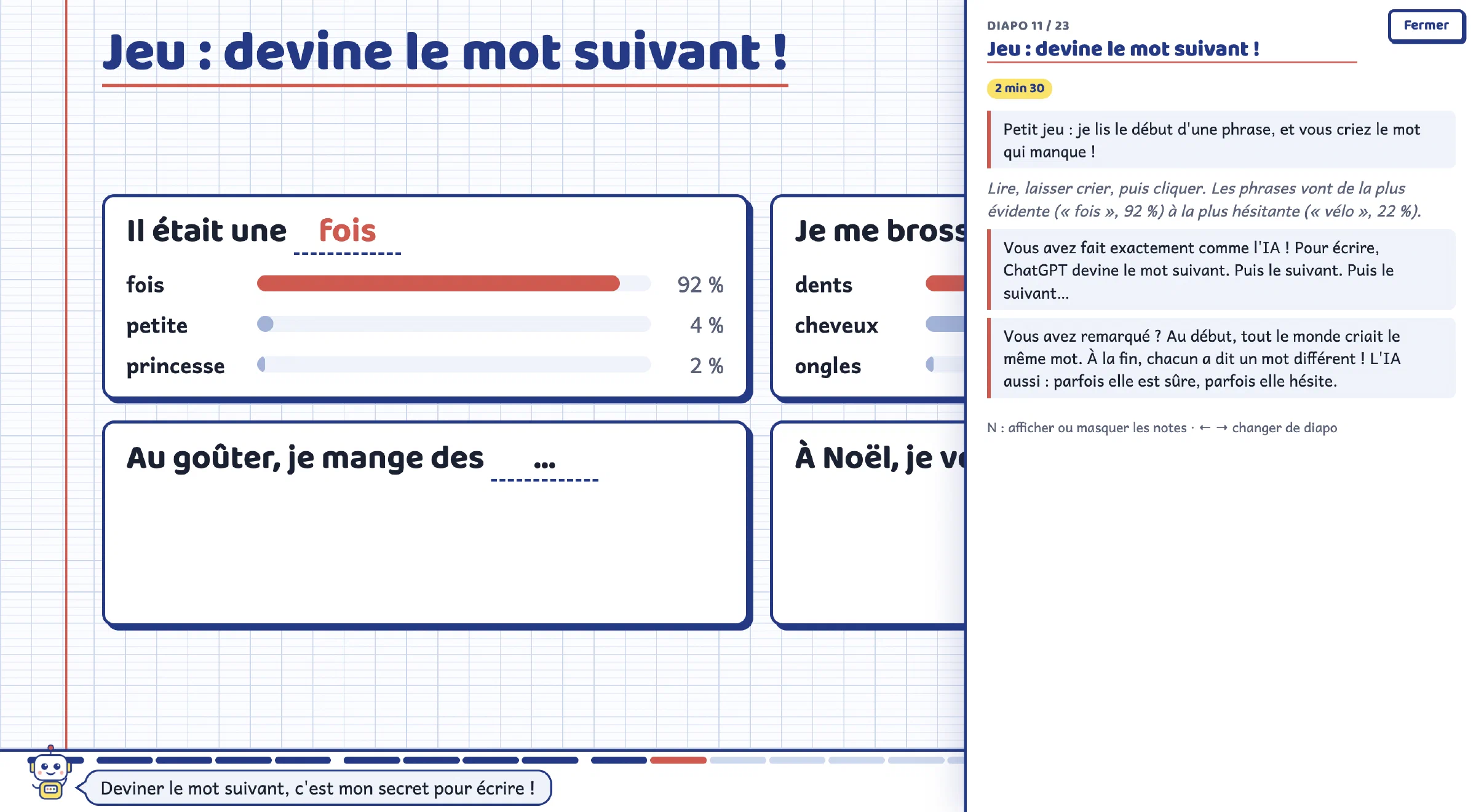
You end up with much more interactive content, deeply personalised for your audience, and you don't spend time on the layout work. It feels like you're a CEO dictating your ideas to a very fast designer, and to a junior analyst who fetches the screenshots and references on the web for you, as you speak. Your presentation is being built as you iterate on and refine your ideas; you just need to focus on what you want to say.